

The product, in depth
A workspace for what your business knows.
Conversa is a branded AI workspace for business teams. It brings document-backed chat, source citations, visual explanations, email drafting, and downloadable documents and spreadsheets into one place. Teams can ask questions of their knowledge base, return to previous conversations, and collaborate in shared threads, while administrators manage workspace access, assistant behaviour, and branding.
01 / The starting point
A clearer way to work with what your business knows
Every business builds up a body of knowledge: the guide that explains how a service works, the process someone wrote after a difficult project, the onboarding pack, the policy document, and the answers experienced colleagues carry around in their heads. That knowledge becomes more useful when people can find the right part of it at the right moment.
Conversa gives that knowledge a conversational interface. Instead of opening several documents and searching through each one, people can ask a question in everyday language, explore a topic through follow-up questions, and turn the answer into something useful. It creates a shared starting point for research, writing, planning, and everyday business questions.
The idea is simple: bring the context into the conversation, then make it easier to move from a question to the next piece of work.
02 / Knowledge & sources
Answers that bring their context with them
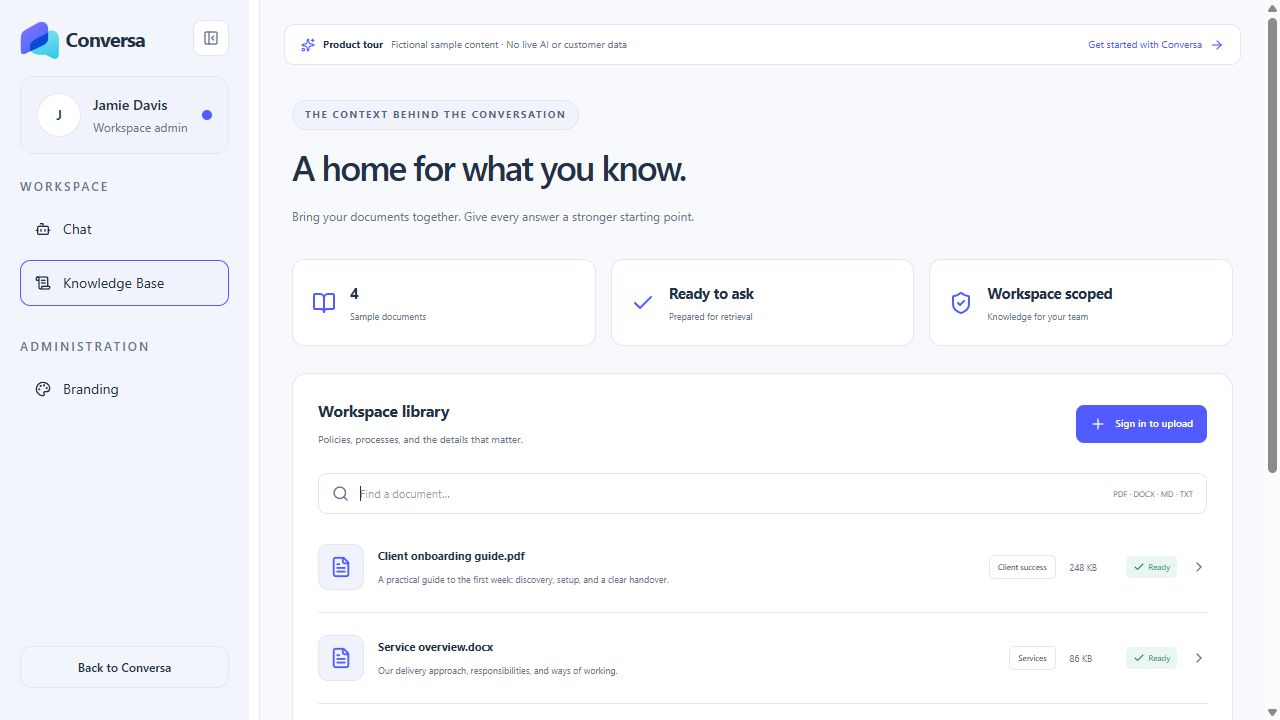
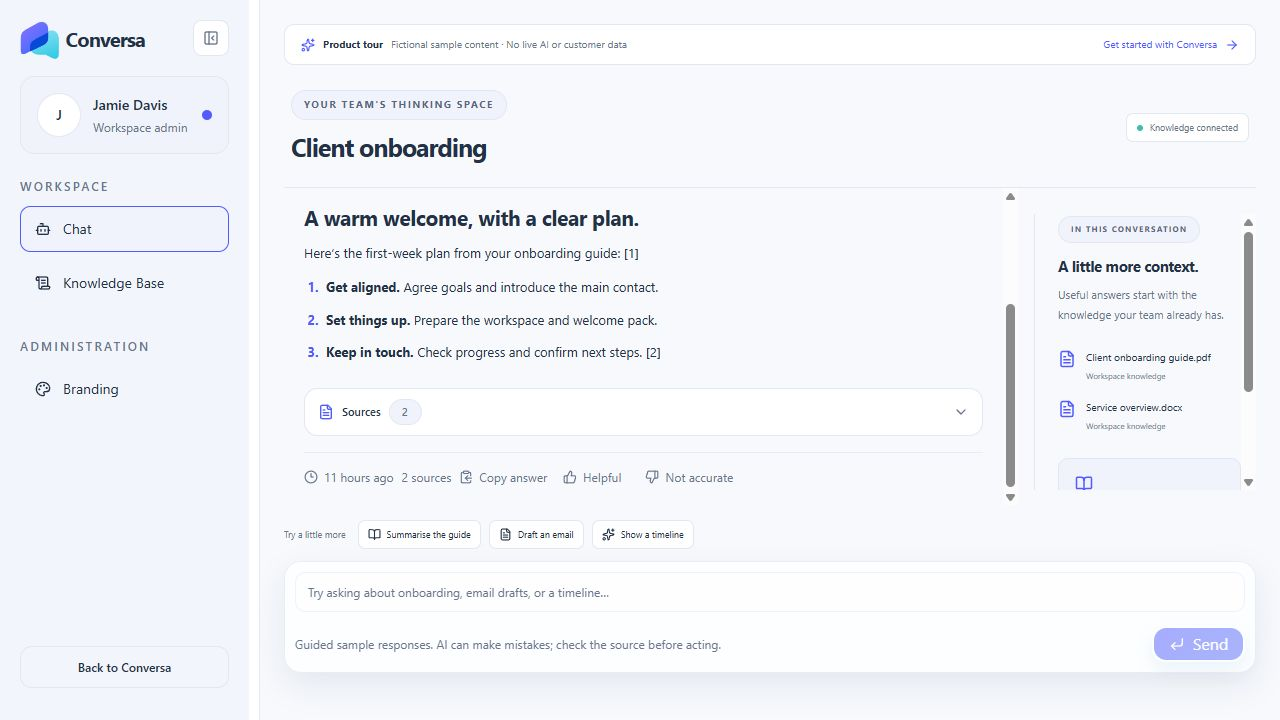
Conversa supports knowledge libraries built from PDF, Word, Markdown, and text documents. Uploaded files are parsed and prepared for retrieval so relevant passages can be supplied to the assistant when someone asks a question. A service guide can support an explanation of a process. An onboarding document can inform a welcome plan. A handbook can provide context for an internal question.
Source-aware responses make that relationship visible. Where retrieved knowledge supports an answer, citations let the reader inspect the supporting passages. This helps people understand where an answer came from, check the detail, and decide how to use it. The source material remains part of the workflow rather than disappearing behind a confident paragraph.
This does not make every generated answer correct. It gives people a more practical way to review the evidence behind the response and return to the material that matters.
03 / Outputs & explanations
Useful work, beyond a text reply
A question is often the beginning of a task. Someone may need to explain a process to a colleague, draft a client message, compare a set of options, or prepare a document for a meeting. Conversa supports that progression within the conversation.
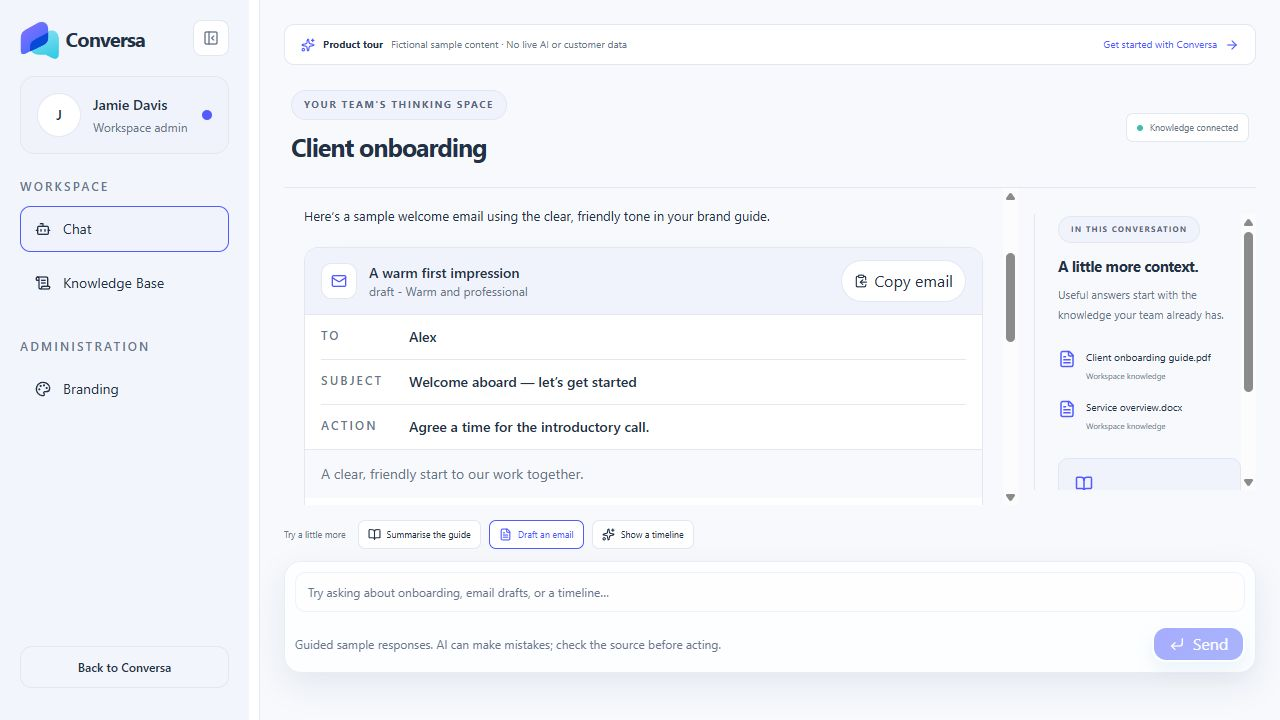
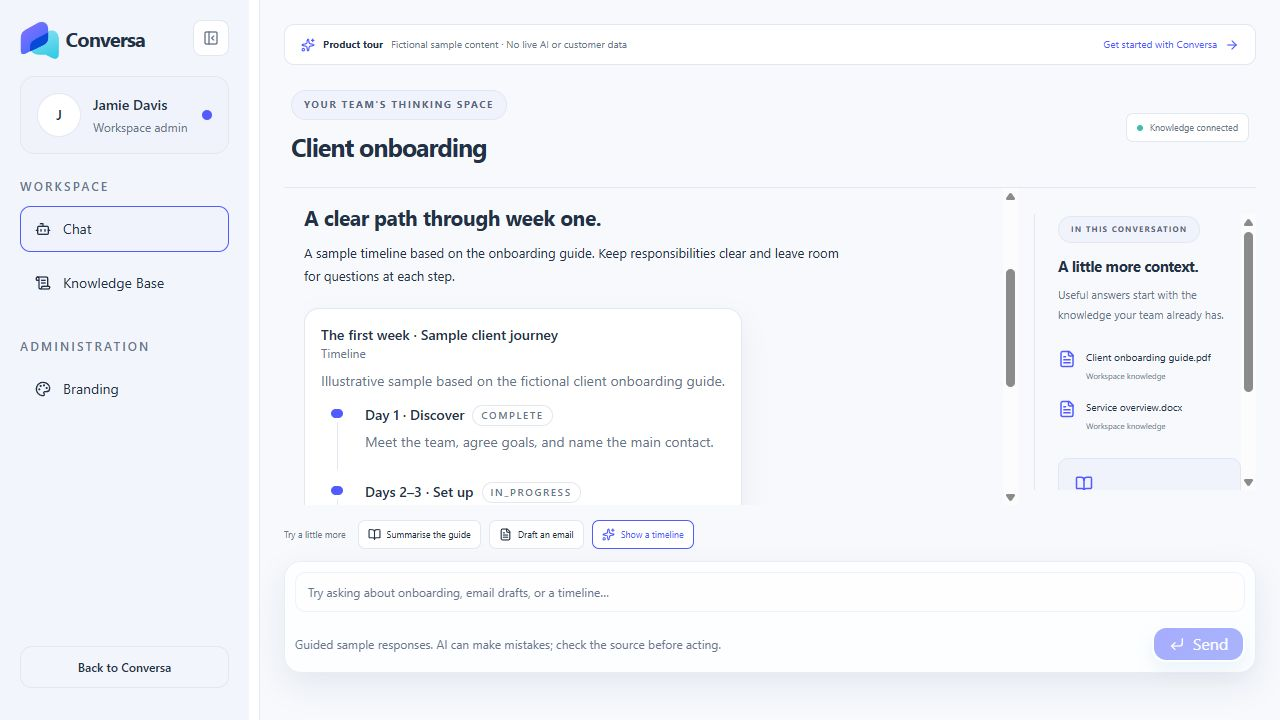
Email requests can be presented as structured drafts with a subject, message body, and copy controls. Requests for deliverables can become downloadable documents or spreadsheet outputs. Suitable information can also be presented visually through charts, timelines, comparison views, diagrams, and other supported formats.
These responses give teams different ways to work with the same information. A written explanation helps with understanding. A timeline makes a sequence easier to follow. A draft creates a starting point for communication. A downloadable file carries the work into the next part of the day. People can review and refine the output before sharing it or acting on it.
04 / Shared conversations
Conversations worth coming back to
Business work rarely fits into a single question and answer. A discussion develops as new information arrives, decisions change, or a colleague brings a different perspective. Conversa keeps conversation history available so users can return to previous work and continue from the context they have already built.
Conversations can be created, renamed, and deleted. Shared threads and participant controls support collaboration within a workspace, allowing a useful discussion to become something colleagues can work through together. Members' access is governed by the product's workspace and conversation permissions.
The result is a place for ongoing work: a client topic, an internal process, an idea that needs developing, or a recurring question that benefits from a little more context each time.
05 / Workspace identity
Your brand, your workspace
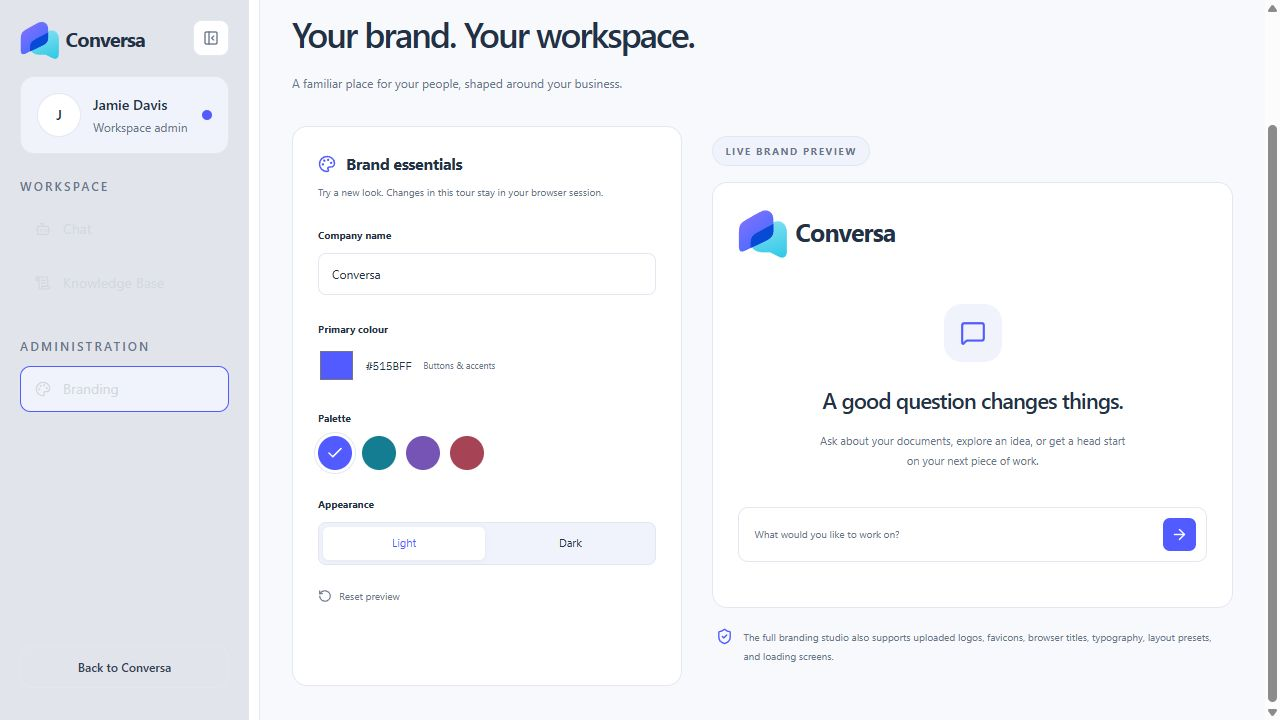
Conversa is built around separate workspaces, each with its own knowledge, assistant configuration, and visual identity. This makes it suitable for organisations managing different teams or client environments through one application.
The branding studio supports company names, uploaded logos, colour palettes, typography, browser titles, favicons, layout presets, and loading screens. Light, dark, and system appearance options help the workspace fit the way people prefer to work. The identity reaches beyond a logo in the corner: it can shape the experience throughout the application.
Administrators can also configure the assistant's name, instructions, tone notes, knowledge mode, and fallback response, alongside model and retrieval settings. Those controls provide a way to shape the assistant around a particular business context while keeping the underlying product consistent.
06 / Access & administration
Control behind the conversation
An AI workspace needs a way to manage the people and information behind its answers. Conversa includes authenticated access, account approval and workspace assignment flows, membership controls, document management, and audit records for key administrative changes.
The application uses workspace-scoped data access and retrieval, private storage for knowledge files, and server-side model requests. Administrators can manage the knowledge and settings that inform the experience, while users work within the access assigned to them.
These are product capabilities and architectural controls, rather than a claim of independent certification or suitability for every regulatory requirement. Each deployment still needs its own operational setup, provider configuration, and review of the information it will handle.
07 / Everyday use
Built for everyday business questions
Conversa can support internal knowledge assistance, client onboarding, service explanations, drafting, planning, and document-led research. A new colleague might ask where to begin with a process. A delivery team might turn an onboarding guide into a first-week plan. A client-facing user might draft a message using the context from approved documents.
The common thread is useful context. Conversa brings together what the organisation knows, what the user is trying to do, and an interface that supports follow-up questions and practical outputs.